Navigating the World of FPV Goggles: My Personal Flight Journey
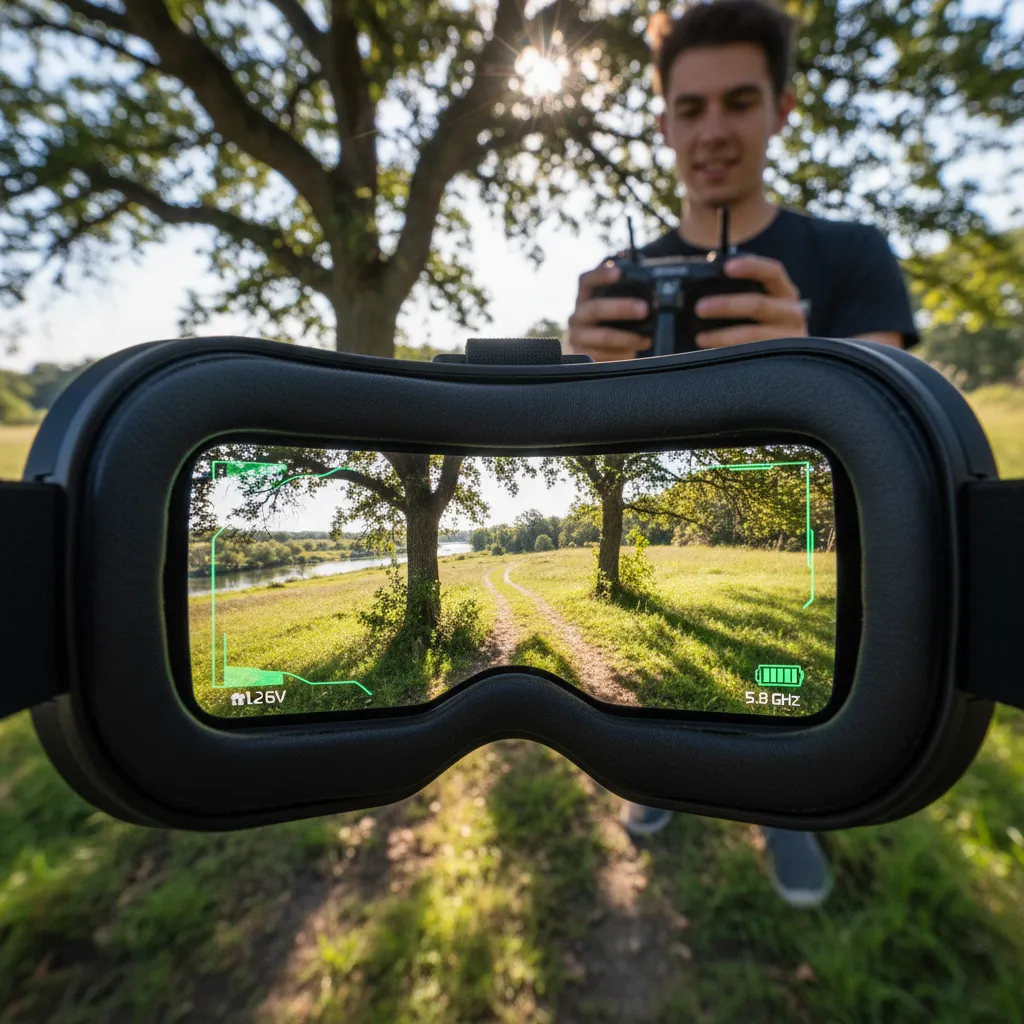
I still vividly recall the first time I strapped on a pair of FPV goggles — a thrilling leap into a world where flying wasn’t just about machines, but about immersing myself in a bird’s eye view of adventure. But oh, the rabbit hole I tumbled down! From deciphering system compatibilities to juggling budget vs. features, the hunt for the perfect goggles became a journey as exciting as the flights themselves. Join me as I share my hands-on explorations through the jungle of DJI, Walksnail, HDZero, and analog FPV options — together with hard-won lessons, quirky finds, and honest reflections.
TL;DR: FPV goggles shape your drone flying experience massively. Understand system compatibility (DJI, Walksnail, HDZero, Analog), weigh specs vs. budget, and choose gear that fits your flying style and vision. This post shares a personal, detailed guide to help you avoid rookie mistakes and find the right fit for your sky-bound dreams.
Choosing Your FPV System: The Critical First Step
When I first set out to buy my FPV goggles, I had no idea how important FPV system compatibility would be. It’s easy to get swept up by flashy specs or big brand names, but the real foundation of a satisfying FPV experience is understanding which FPV system you’ll be flying—and making sure your goggles match.
Today, there are four main FPV systems that shape every goggle choice:
- Analog – The classic, affordable, and widely supported system. Analog goggles and modules are everywhere, with lots of choices for every budget.
- DJI – The leader in digital clarity and ease of use. DJI goggles deliver stunning video, but here’s the catch: they only work with DJI air units. If you buy DJI goggles, you’re locked into their ecosystem. This is a deal-breaker if you want to try Walksnail, HDZero, or analog in the future.
- HDZero – An open digital system known for low latency and flexibility. HDZero goggles can often support analog and even HDMI input, making them a favorite for tinkerers and those who want options.
- Walksnail (Caddx) – The rising star in digital FPV, offering impressive image quality and versatile goggles. Some Walksnail goggles can even run analog or HDZero with the right modules.
Choosing the wrong system—or not thinking about compatibility—can seriously limit your future upgrades. I learned this the hard way, realizing that buying DJI goggles meant I couldn’t experiment with other systems without buying a whole new headset. That’s why I always tell newcomers: “Understanding system compatibility is the foundation for a satisfying FPV experience.”
Before you buy, ask yourself:
- What system do my friends or local pilots use?
- Do I want to fly analog, digital, or both?
- How important is future-proofing and flexibility?
For anyone feeling lost, I can’t recommend Oscar Liang’s FPV system guide enough (oscarliang.com/fpv-system/). His breakdowns helped me see the big picture and avoid expensive mistakes. In the fast-changing world of FPV, taking the time to understand FPV system compatibility is the smartest first step you can make.
DJI Goggles: The Premium Digital Experience
When I first set my sights on digital FPV goggles, DJI instantly caught my attention. Their reputation for crisp image quality and seamless plug-and-play reliability made them a top contender in my search for the ultimate FPV experience. But with several models—each with unique features and price points—choosing the right DJI goggles was a journey in itself.
Comparing the DJI Lineup: Goggles 3, Goggles 2, N3, and Integra
| Model | Price | Display | FOV | IPD Range | Key Features |
|---|---|---|---|---|---|
| Goggles 3 | $499 | 100Hz OLED | 54° | Up to 72mm | Anti-fog fans, USB-C/WiFi output, prescription lens support |
| Goggles 2 | $449 | 100Hz OLED | 46° | Adjustable | Anti-fog, USB-C, focus adjustment |
| N3 | $229 | 60Hz LCD | 54° | Adjustable | Budget-friendly, no O3 air unit support |
| Integra | $349 | 60Hz LCD | Adjustable | Adjustable | Integrated battery, basic features |
The Goggles 3 stood out immediately. For just $50 more than the Goggles 2, I got a wider 54° field of view, a stunning 100Hz OLED display, and an IPD range up to 72mm—perfect for glasses wearers like me. Features like anti-fog fans and USB-C/WiFi outputs made a real difference in comfort and usability.
The Goggles 3 impressed me with its superior features and value, worth the small price difference.
The Goggles 2 are no slouch either, offering the same high refresh OLED panel but with a slightly narrower FOV. For those on a tighter budget, the N3 offers a 60Hz LCD and a wide view, but it lacks support for the latest DJI O3 air units—a dealbreaker for anyone wanting the newest digital FPV tech. The Integra sits in the middle, with an integrated battery and basic features, but also uses a 60Hz LCD.
Limitations: System Lock-In
One crucial lesson: all DJI goggles are only compatible with DJI air units. There’s no support for Walksnail or HDZero, so if you want to fly other digital systems or analog, you’ll need a different set of FPV goggles. For me, this was a key consideration for future-proofing my setup.
Prescription lens compatibility and focus adjustment also vary between models, so glasses wearers should double-check specs before buying.
Walksnail Avatar and HDZero: The Versatile Middle Grounds
When I started searching for FPV goggles that could keep up with my growing curiosity and mixed fleet, I quickly realized that the middle ground between analog and DJI’s digital world was where true versatility lived. That’s where the Walksnail Avatar and HDZero goggles entered my journey—offering flexibility, open standards, and real value for pilots who want options.
Walksnail Avatar Goggles X: Multi-System Flexibility and HD Display
The Walksnail Avatar Goggles X instantly stood out. I was looking for a headset that could handle multiple FPV systems without feeling like a compromise. With a 100Hz OLED display, sharp 1920×1080p resolution, and a comfortable 50° field of view, these goggles delivered a premium viewing experience. The adjustable IPD (54–74mm) was a blessing for my not-so-average face width. But what really sold me was their multi-system compatibility: Walksnail digital, analog (with a simple receiver module), and even HDZero via HDMI input.
Walksnail Avatar Goggles X became my top pick for multi-system flexibility and top-notch display.
For $459, they felt like a future-proof investment, especially for anyone who wants to experiment across FPV technologies.
Budget Option: Walksnail Goggles L
Not everyone wants to spend big, especially when starting out. The Walksnail Goggles L offered a box-style design, a huge 75° FOV, and a 60Hz LCD screen. While the image wasn’t as crisp and latency was about 10ms higher, at $200 these goggles made digital FPV accessible. The trade-off came in the form of fixed antennas and less upgradability, but for essential flying on a tight budget, they did the job.
HDZero: Open Standards and Analog Support
If you’re drawn to open standards and analog flexibility, the HDZero Goggles 2 are hard to ignore. With a 90Hz OLED panel, 46° FOV, and robust HDMI/analog input, they’re built for tinkerers and specialists. I found analog support solid, though not quite on par with top analog-only modules. For budget-conscious pilots, the BoxPro ($300–$350) offered a 100Hz LCD and 56° FOV—great for getting into HDZero without breaking the bank.
| Model | Price | Display | FOV | Resolution | IPD | Notes |
|---|---|---|---|---|---|---|
| Avatar Goggles X | $459 | 100Hz OLED | 50° | 1920×1080p | 54–74mm | Multi-system, HDMI input |
| Goggles L | $200 | 60Hz LCD | 75° | – | – | Box, higher latency |
| HDZero Goggles 2 | $650 | 90Hz OLED | 46° | 1920×1080p | – | HDZero, analog support |
| BoxPro | $300–$350 | 100Hz LCD | 56° | 1920×1080p | – | Budget HDZero |
Both Walksnail Avatar and HDZero goggles proved to be the versatile middle grounds, giving me—and any pilot—room to grow, experiment, and truly enjoy the evolving world of multi-system FPV goggles.
Analog and Box Goggles: Classic FPV for Purists and Budget Flyers
When I first dipped my toes into the world of FPV goggles, analog was king. For many purists—and anyone watching their wallet—analog FPV still offers a raw, immediate connection to flight that digital can’t quite match. My own journey began with classic analog goggles, and I quickly learned how much variety and value this corner of the hobby still holds.
Skyzone SKY04X Pro: Premium Analog Experience
If you’re chasing the best analog FPV image, the Skyzone SKY04X Pro is hard to beat. At around $500, it’s a serious investment, but you get a stunning 1920×1080 OLED display, a generous 52° field of view, and adjustable focus—perfect for glasses wearers like me. The colors are vibrant, and the detail is unmatched for analog. Built-in diversity receivers and a reliable DVR are now standard at this level, making the SKY04X Pro a top pick for analog enthusiasts who want every flight to look its best.
Box Goggles: Skyzone Cobra SD and Cobra X
Box goggles have always been the workhorses of FPV—big, immersive, and surprisingly affordable. The Skyzone Cobra SD (about $170) and Cobra X (around $220) strike a sweet spot between features and price. Both offer HDMI input, built-in DVR, and diversity receivers, so you’re set for analog and even some digital upgrades down the line. The Cobra X steps it up with a beefier power system and a smooth 60 FPS DVR. I found the wide field of view on these box goggles incredibly immersive, though the larger size means they’re not as sleek as binocular styles.
Entry-Level Hero: Eachine EV800D
For those just starting out or on a tight budget, the Eachine EV800D is a legend. Priced under $100, it delivers diversity reception, a built-in DVR, and a huge field of view. I’ll never forget my first flight with these—
Using the EV800D felt like strapping a microwave to my head, but what a ride for the price!
The tradeoff? The massive screen can cause eye strain and makes reading OSD info a bit of a workout, but it’s a small price to pay for such accessible analog FPV goggles.
- Skyzone SKY04X Pro: $500, OLED, 52° FOV, focus adjust
- Cobra SD: $170, HDMI, DVR, diversity
- Cobra X: $220, upgraded power, 60 FPS DVR
- EV800D: Under $100, wide FOV, diversity, entry-level
Analog goggles and box goggles remain a vital gateway for anyone who values immediacy, immersion, and affordability in FPV flying.
Must-Have Features and Practical Tips: Beyond Specs and Price
When I first started my FPV journey, I was obsessed with specs—resolution, refresh rate, field of view, and display type. But after years of flying, I realized that the best FPV goggles are more than numbers on a box. They’re about comfort, reliability, and the little features that make every flight memorable. If you’re reading this FPV goggles buying guide, let me share what truly matters—beyond the spec sheet.
Resolution and refresh rate are your window to the sky. A crisp 1920×1080p OLED panel at 100Hz feels worlds apart from a basic 800×480 LCD. But even the sharpest image means little if your goggles don’t fit. Adjustable IPD (interpupillary distance) is critical—too narrow or wide, and you’ll get double vision or eye strain. I learned quickly that good IPD adjustment is the secret to long, comfortable sessions, especially for pilots like me who wear glasses. Prescription lens compatibility or built-in focus adjustment is a must-have FPV goggle feature for many of us.
Some features are non-negotiable. A built-in DVR is essential—not just for sharing flights, but for tracking down a lost drone after a crash. Anti-fog fans are another lifesaver, especially in humid weather. I once lost half a session to fogged-up lenses before I made this a priority. And don’t overlook power options: swappable external batteries keep you flying longer, while integrated packs are convenient but limit flexibility.
But here’s a pitfall I wish I’d avoided sooner: counterfeit FPV goggles. Online marketplaces are full of knockoffs that look convincing but fail when it counts. Community forums and trusted reviews helped me spot fakes—sometimes it’s a missing logo, sometimes a subtle flaw in the receiver module. As the saying goes,
Treat your goggles as an investment — their specs and comfort shape every flight.
Practical wisdom matters too. Black goggles heat up fast in the sun, and leaving any goggles face-up can destroy the display in minutes. I learned the hard way:
Don’t let your goggles sunbathe face-up; you’ll toast your display faster than you think.The FPV community’s advice—on modding, troubleshooting, and spotting counterfeits—has saved me money and frustration time and again.
In the end, FPV goggles accessories and features are about more than specs or price. They’re about comfort, reliability, and the confidence to fly your way. Invest wisely, listen to the community, and remember: the right goggles will shape every adventure you take in the sky.


